|
|
 |
CPOP3 can come in handy when
you know you have large emails awaiting download, but don't want to download
them yet. Also, if you have imposed a limit on the size of emails that you
download into your regular email program, this tool can be useful in deleting
the offending emails.
Setup is pretty straight-forward,
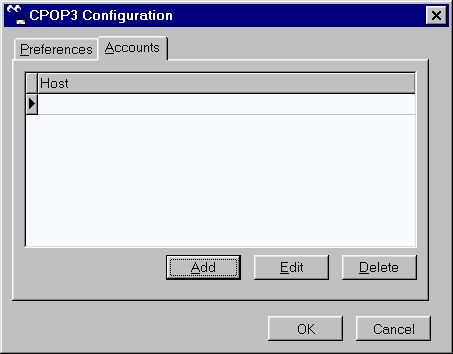
to setup an email account, choose File..Configure. From the CPOP3
configuration screen, go to the Accounts tab and add an account.
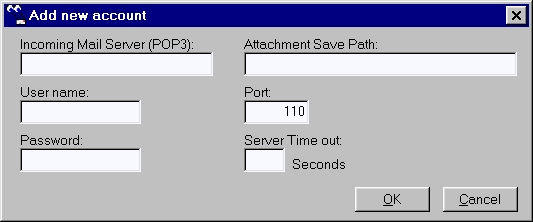
Enter your account information,
then press OK. You can setup as many account as you like. The rest
is pretty self-explanatory, so enjoy!
|